01
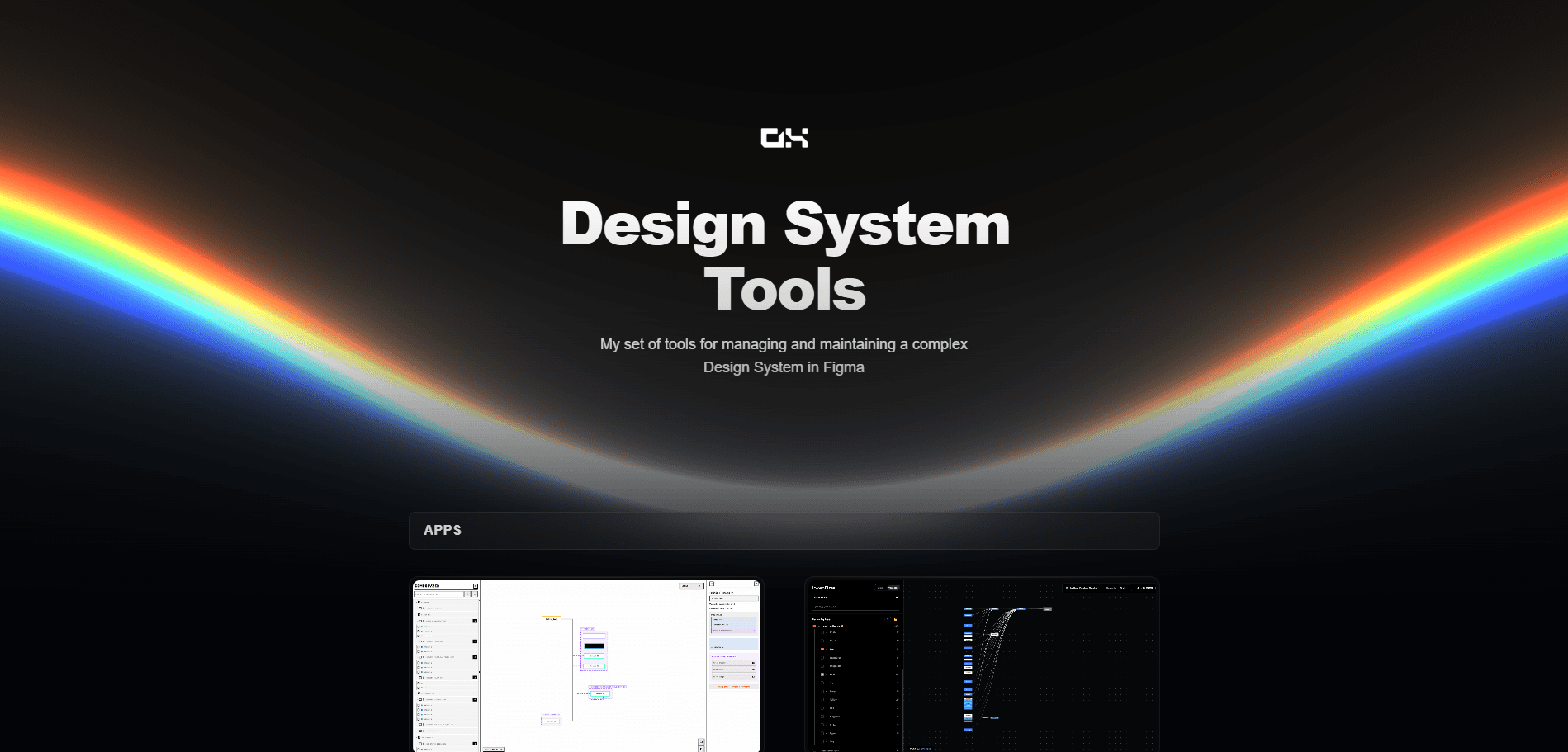
Design System tools
A collection of tools I've built to make working with design systems easier — from analyzing components and managing tokens to tracking Figma changes. Check them out at
Role:
Solo Creator
Industry:
Design system management
Duration:
2025-2026
Introducing DS-tools — A Collection of Design System Utilities
Whether you're a designer looking to streamline your workflow or a developer seeking to bridge the gap between design and code, DS-tools has something for you. This curated collection brings together powerful utilities built to enhance your design system experience.
🖥️ Apps
Compolyzer helps you analyze and understand component structures, giving you deeper insights into your design architecture.
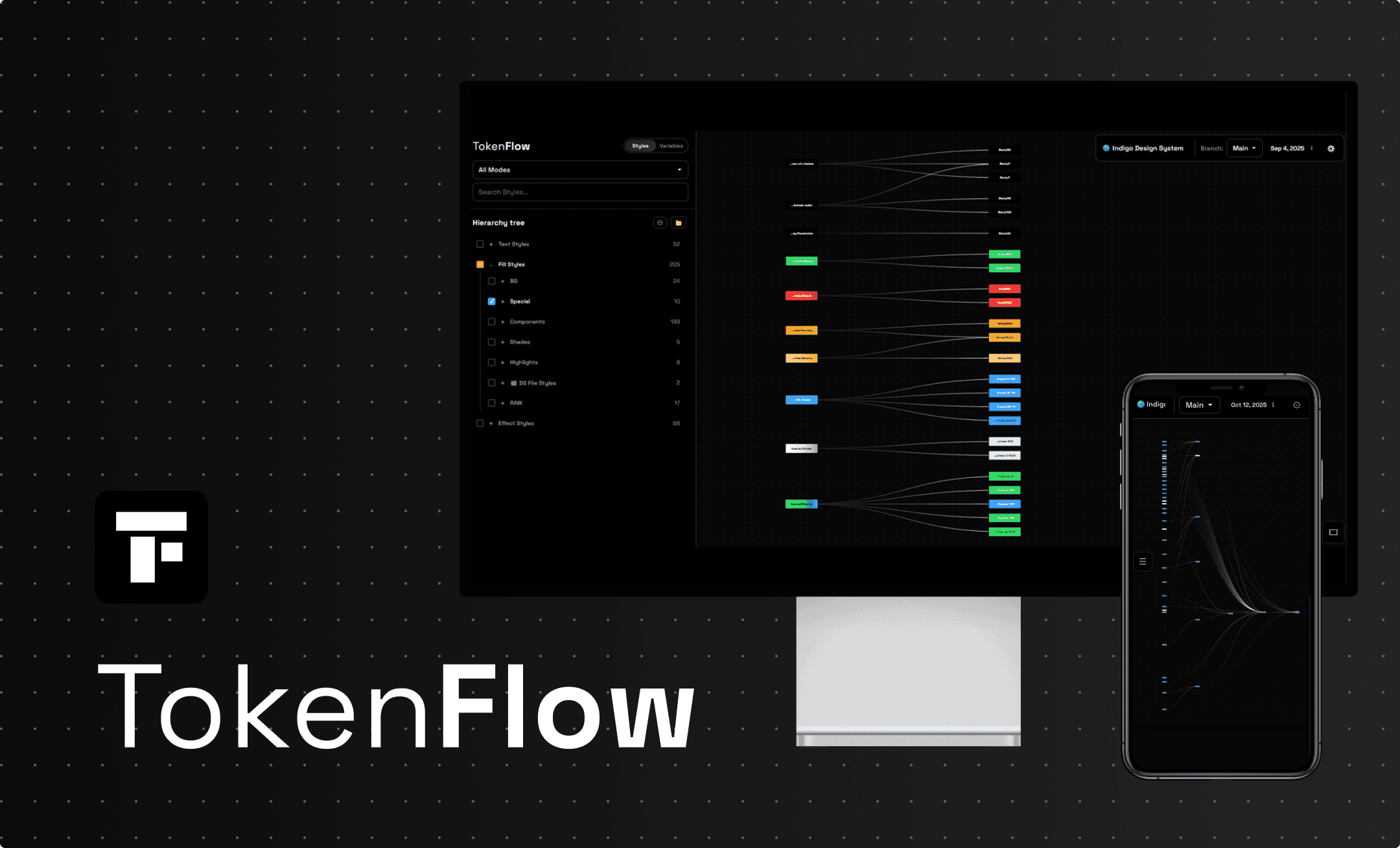
TokenFlow makes working with design tokens seamless, allowing you to manage and analyze your tokens with ease.
FigLog keeps track of your Figma file changes, so you never lose sight of what's evolved in your designs.
Instancegram offers a fresh perspective on managing component instances across your projects.
Each tool is crafted with attention to detail and a focus on solving real problems designers and developers face daily. From token management to component analysis, these utilities are designed to save you time and bring clarity to your design system workflow.
🔌 Figma Plugins
Beyond standalone apps, the toolkit also includes handy Figma plugins that integrate directly into your design workflow—bringing these powerful capabilities right where you need them, without leaving the canvas.
Ready to level up your design system game? Explore the full toolkit and see what works for you.
Introducing DS-tools — A Collection of Design System Utilities
Whether you're a designer looking to streamline your workflow or a developer seeking to bridge the gap between design and code, DS-tools has something for you. This curated collection brings together powerful utilities built to enhance your design system experience.
🖥️ Apps
Compolyzer helps you analyze and understand component structures, giving you deeper insights into your design architecture.
TokenFlow makes working with design tokens seamless, allowing you to manage and analyze your tokens with ease.
FigLog keeps track of your Figma file changes, so you never lose sight of what's evolved in your designs.
Instancegram offers a fresh perspective on managing component instances across your projects.
Each tool is crafted with attention to detail and a focus on solving real problems designers and developers face daily. From token management to component analysis, these utilities are designed to save you time and bring clarity to your design system workflow.
🔌 Figma Plugins
Beyond standalone apps, the toolkit also includes handy Figma plugins that integrate directly into your design workflow—bringing these powerful capabilities right where you need them, without leaving the canvas.
Ready to level up your design system game? Explore the full toolkit and see what works for you.
Introducing DS-tools — A Collection of Design System Utilities
Whether you're a designer looking to streamline your workflow or a developer seeking to bridge the gap between design and code, DS-tools has something for you. This curated collection brings together powerful utilities built to enhance your design system experience.
🖥️ Apps
Compolyzer helps you analyze and understand component structures, giving you deeper insights into your design architecture.
TokenFlow makes working with design tokens seamless, allowing you to manage and analyze your tokens with ease.
FigLog keeps track of your Figma file changes, so you never lose sight of what's evolved in your designs.
Instancegram offers a fresh perspective on managing component instances across your projects.
Each tool is crafted with attention to detail and a focus on solving real problems designers and developers face daily. From token management to component analysis, these utilities are designed to save you time and bring clarity to your design system workflow.
🔌 Figma Plugins
Beyond standalone apps, the toolkit also includes handy Figma plugins that integrate directly into your design workflow—bringing these powerful capabilities right where you need them, without leaving the canvas.
Ready to level up your design system game? Explore the full toolkit and see what works for you.
02